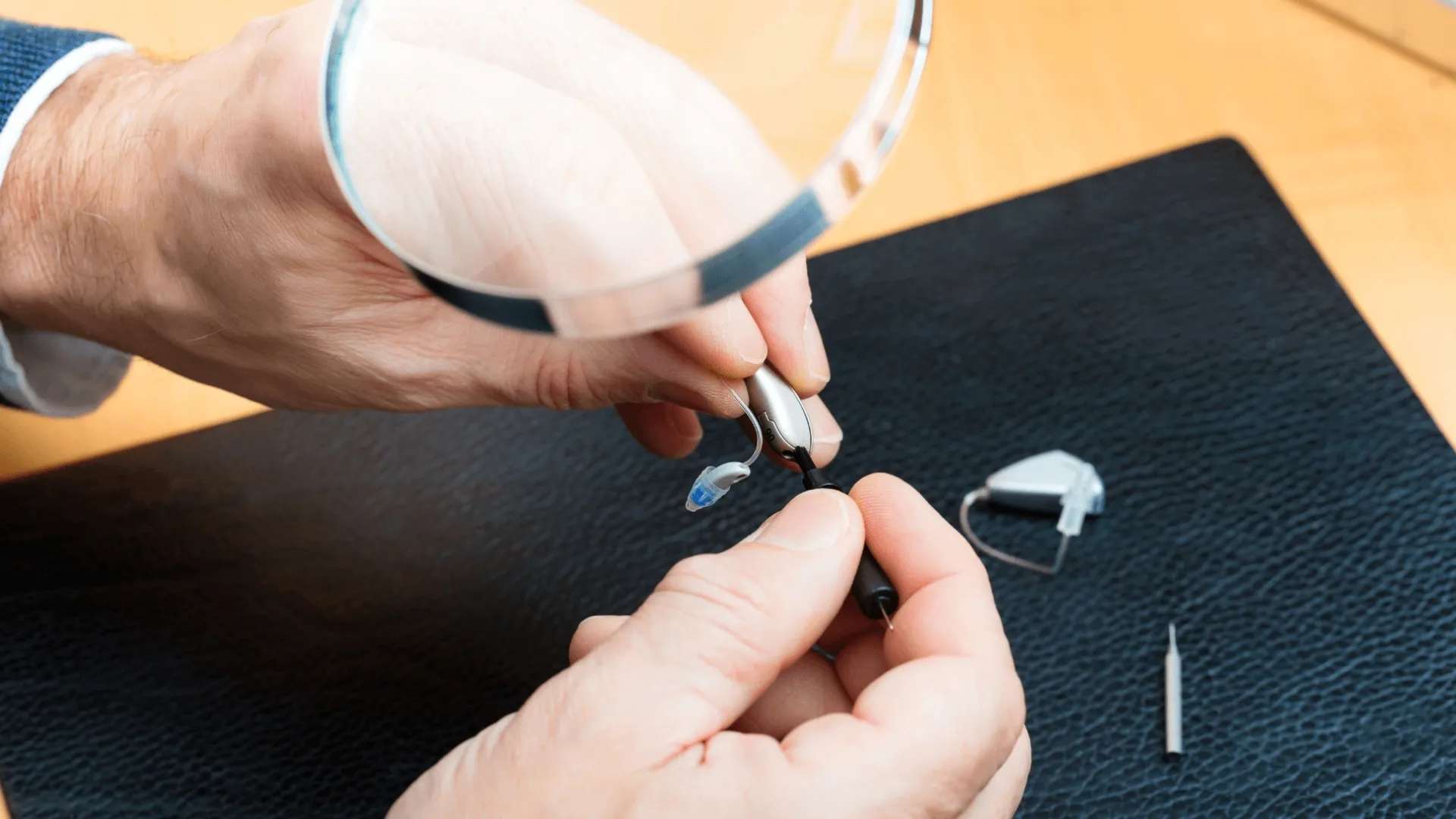
Repair Tips for Hearing Aids Affected by Sweat or Moisture
Dealing with moisture in a hearing aid feels like a constant battle, especially during humid summer months or after a brisk morning walk. While most modern devices come with protective coatings, liquid remains the primary enemy of delicate internal circuitry. Moisture often seeps into the battery compartment or clogs the tiny microphones, leading to distorted sound or complete silence.
When a device stops working due to dampness, panic often sets in, but most issues have simple solutions that people manage at home. Understanding how to handle these moments prevents permanent damage and keeps the day moving.
Open the Battery Door to Air Out Parts
When moisture builds up inside a device, the first step involves opening the battery compartment immediately to let the internal components breathe. Removing the power source prevents short circuits that might occur if electricity flows through damp parts. Air needs to circulate freely around the battery contacts to evaporate any hidden droplets that collected during the day.
This simple action often solves minor glitches before they turn into expensive repair bills. Leaving the door open overnight provides a consistent way to ensure that no lingering dampness stays trapped inside the casing.
Wipe External Surfaces With a Dry Cloth
Wiping down the outer shell removes salt and oils from sweat that can eventually corrode the plastic or metal. A soft, lint-free cloth works best for this task because it absorbs liquid without leaving fibers behind in the microphone ports.
It helps to pay close attention to the areas where the device touches the skin, as these spots collect the most grime. Consistent cleaning prevents the buildup of debris that often traps moisture against the sensitive parts of the equipment. Keeping the exterior dry ensures that liquid does not have a chance to migrate deeper into the electronics.
Use a Dedicated Dehumidifier Every Night
Investing in a drying jar or an electronic dehumidifier offers a reliable way to pull deep-seated moisture out of the components. These tools use desiccant beads or gentle heat to safely dry the device without causing the warping that a hair dryer might cause.
Placing the technology in a drying station every evening creates a routine that extends the lifespan of the hardware significantly. Electronic dryers often include ultraviolet light cycles that also help eliminate bacteria that thrive in damp environments. This proactive approach tackles the humidity that standard air drying might miss, especially in coastal or tropical climates.
Clean Out the Tubing and Sound Outlets
Liquid often gets trapped inside the thin plastic tubes or the small tips that sit inside the ear canal. When sweat blocks these paths, the sound becomes muffled or disappears entirely, making it seem like the device has died. Using a small cleaning wire or a dedicated blower bulb can push those stubborn droplets out of the way.
Checking these narrow passages daily ensures that the path for sound remains clear and dry. If the tubing looks cloudy or yellowed from moisture exposure, replacing it with a fresh piece usually restores the clarity of the audio immediately.
Try a Silica Gel Packet for Quick Fixes
If a professional drying kit is unavailable, a simple silica gel packet found in shoe boxes can serve as a temporary lifesaver. Placing the device in a sealed container with one of these packets creates a makeshift dry chamber that pulls out dampness.
This method works much better than the common myth of using rice, which often introduces dust and starch into the microphones. Carrying a small pouch with a silica packet in a gym bag or purse provides a quick remedy for unexpected rain. It offers a low-cost insurance policy for people with active lifestyles.
Contact Our Team for Professional Help
Sometimes, home remedies are not enough to fix a device that has suffered a significant soak. If the sound remains distorted or your device fails to power on after a full night of drying, the internal sensors might need a professional deep clean.Reaching out to us ensures that a professional can inspect the delicate parts under a microscope to check for corrosion. They have tools to vacuum out debris and moisture from areas that are impossible to reach at home. Please call our office today to schedule a maintenance check and keep your devices ready.